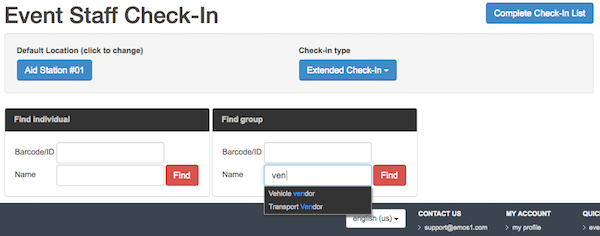
The Check In Event Staff page initialy have "Complete Check-In List" button that opens "Event Staff Check-In List" page and "Location" drop-down list that opens additional controls on the same page.

Once the location is selected, there are following elements on the page:
- Default Location (click to change) button, that lets user select different location
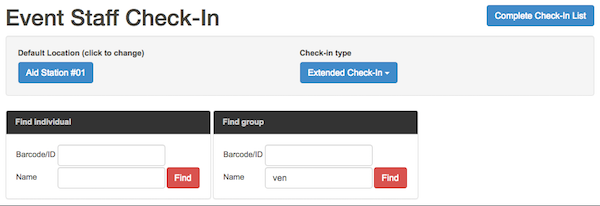
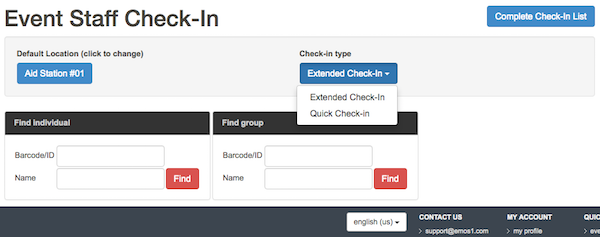
- Check-in type drop-down list for user to choose Extended Check-In or Quick Check-In
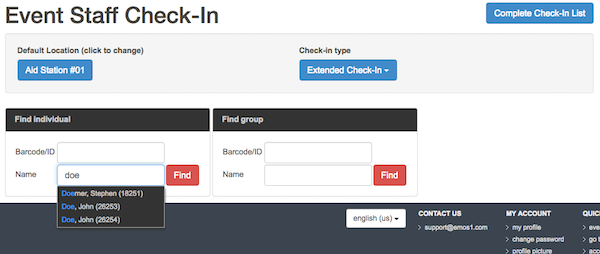
- Find individual search form. Click FIND button to open user's details
- Find group search form. Click FIND button to open group's details