Volunteers

Go to Volunteers-Administration-Volunteers

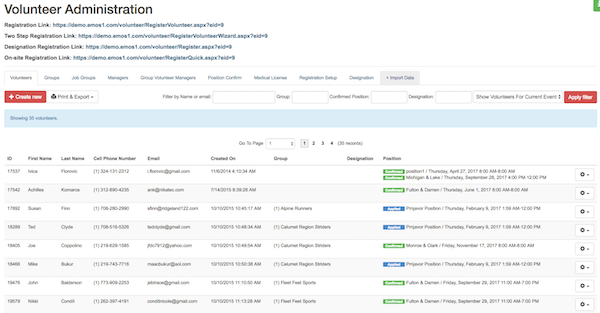
List of all volunteers will open. Image: volunteer list
Click on SETTINGS icon to open dropdown menu: Edit; Set Picture; Print Certificate; Print Credential; Send Credential. Image: settings
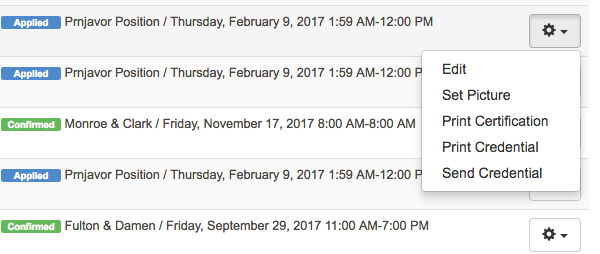
Edit

Select this option to see/edit volunteer detail.

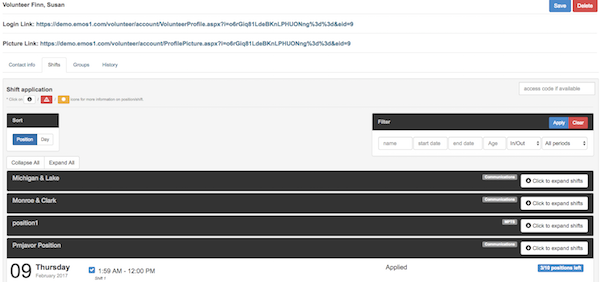
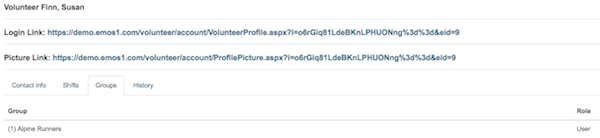
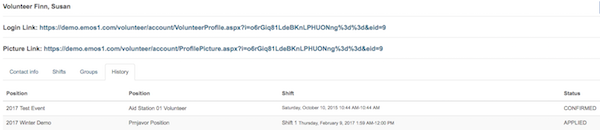
There are 4 tabs: Contact info; Shifts; Groups and History
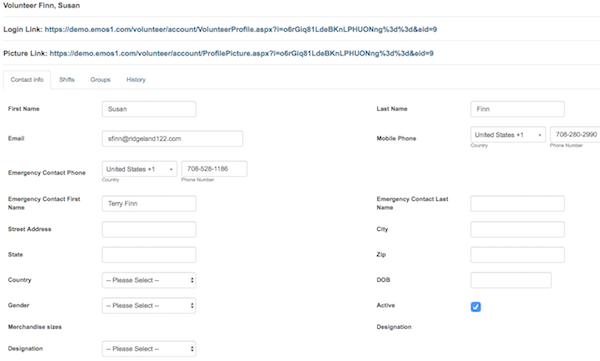
Image: Contact info tab

Image: Shifts tab

Image: Groups tab

Image: History tab

Save the changes by clicking SAVE button.

Set Picture

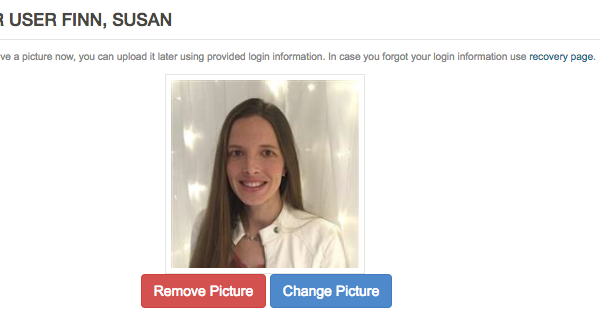
Select this option to set volunteer picture. Image: set picture
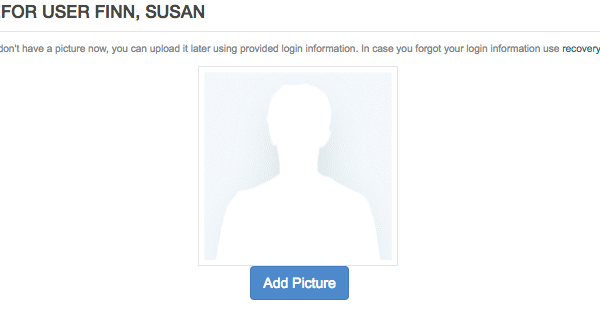
Click ADD PICTURE button.

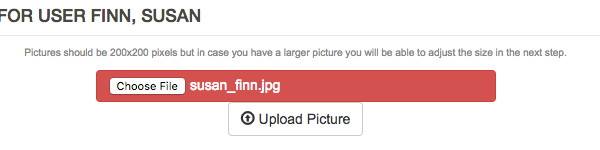
Click CHOOSE FILE button and select picture from your computer. Pictures should be 200x200 pixels but in case you have a larger picture you will be able to adjust the size. Image: upload picture
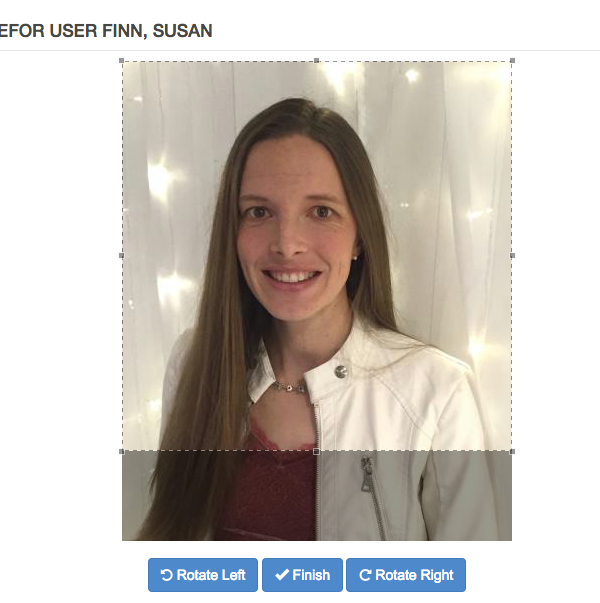
Adjust (rotate, resize or crop) picture, if necessary, and click FINISH button. Image: adjust picture The volunteer picture is set. Image: adjust picture You are able to remove or change picture.
EMOS Wiki EMOS Workflow Registration Process Event Setup & Configuration Event Structure Organization System configuration ESR configuration MPTS configuration EMOS1 Staff Volunteers Timeline Inventory Vehicles MPTS Reporting Positions Staffing Grid My Team Check In Event Staff Check In Event Staff List Quality Assurance Hotel & Airfare Uniform Type Radio Channels Email Templates Check-in Locations See something - Say something How to create positions/jobs? Request Equipment for Team Create New Team How to communicate with my team How to create positions/jobs How to assign, invite and confirm position How to request Hotel How to request Airfare How to assign equipment How to check out equipment Check In Item How to check out vehicle How to reserve vehicle MPTS Settings MPTS Overview Check In Event Staff List Assign Item Check Out Item What's New EMOS Mobile Profile Messages Timeline (M) My Team (M) Check In Map See-Say Settings Support Medical License Verification Cross Event Timeline Create New Activity Timeline View Options Event Setup Items Logical Categories Items with serial numbers Items with serial numbers Create Item Privacy Policy Check Out Container Items Logical Categories Assigned list by users Assigned list by items Checked out list by items Requested list by items Items → Containers Packing Wizard packing wizard Administration Set up event Set up communications Organize staff Set up communications Set up inventory Container box content - mobile optimized Items distribution categories bkp Items - Distribution Types EMOS1 Volunteer Check In Setup