Go to Equipment-Equipment Settings-Items distribution categories
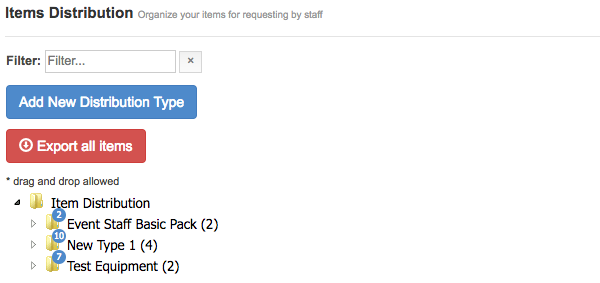
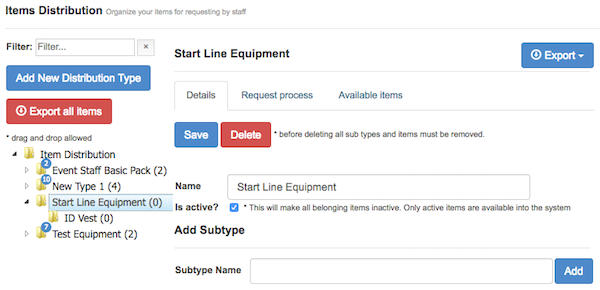
Add New Distribution Type
Click ADD NEW DISTRIBUTION TYPE button
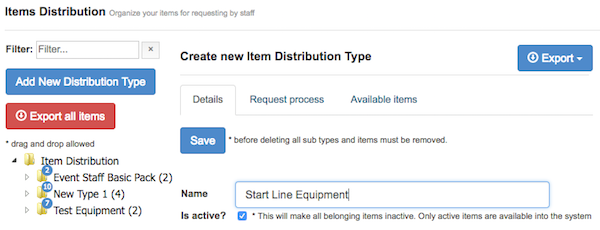
Enter the new type name and click SAVE button.
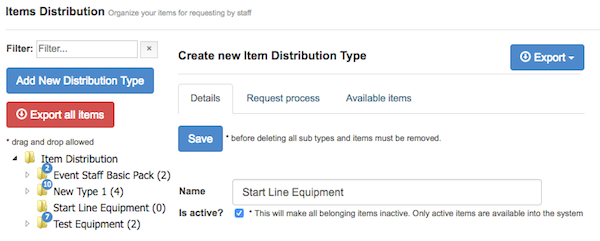 New type is created
Add Subtype
Click on any distribution type to select it
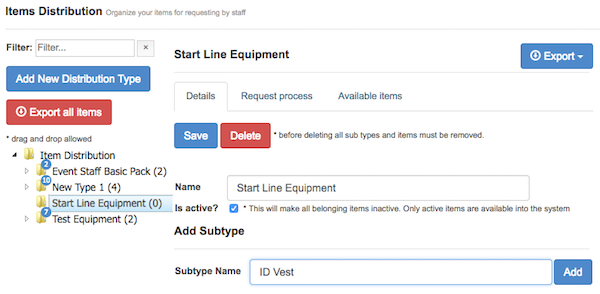
Enter Subtype name and click ADD button
To See how to Add items to category go to: Items - Distribution Types